Midnight theme
Midnight is a theme for GitHub Pages.
Project maintained by GiBoris Hosted on GitHub Pages — Theme by mattgraham
Lab 03 — Microsoft Sentinel Configuration & Data Connectors 🔎☁️
Platform: Microsoft Sentinel / Azure / Microsoft Defender
Focus: SIEM deployment, data ingestion, connectors, and log collection
Objective
This lab demonstrates hands-on experience with Microsoft Sentinel, focusing on:
- Deployment of a cloud-native SIEM solution
- Configuration of data retention and threat intelligence
- Integration of multiple data sources
- Implementation of data collection rules
- Centralised log ingestion for security monitoring
Lab Environment
- Azure subscription and Log Analytics workspace
- Microsoft Sentinel instance
- Windows and Linux virtual machines
- Microsoft Defender XDR
- Simulated log data
All activities were performed in a controlled, non-production environment.
Part 1 — Microsoft Sentinel Configuration
1.1 Sentinel Deployment
Deployed Microsoft Sentinel to an existing Log Analytics workspace.

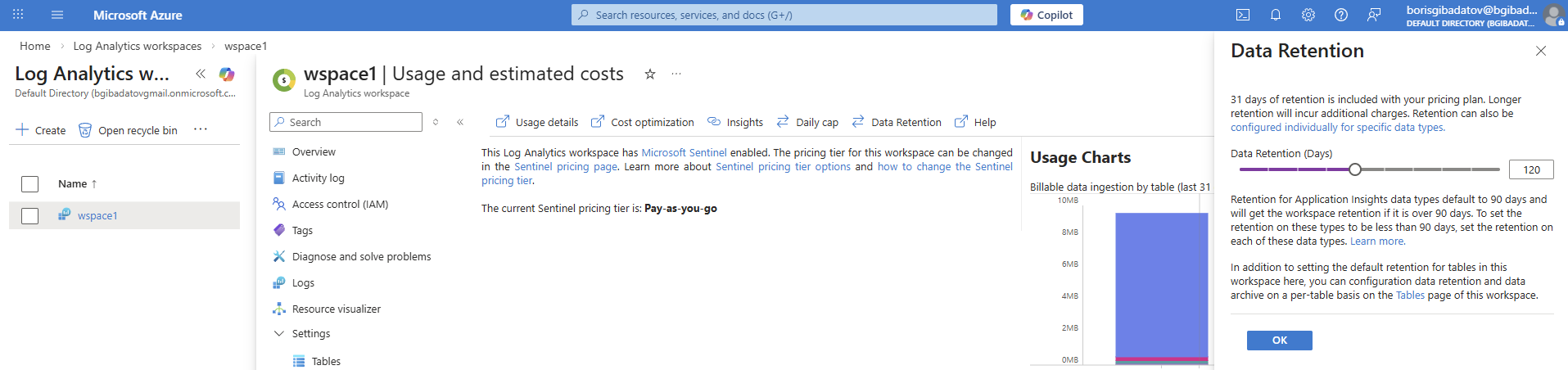
1.2 Data Retention Configuration
Adjusted retention settings to control storage and align with monitoring requirements.
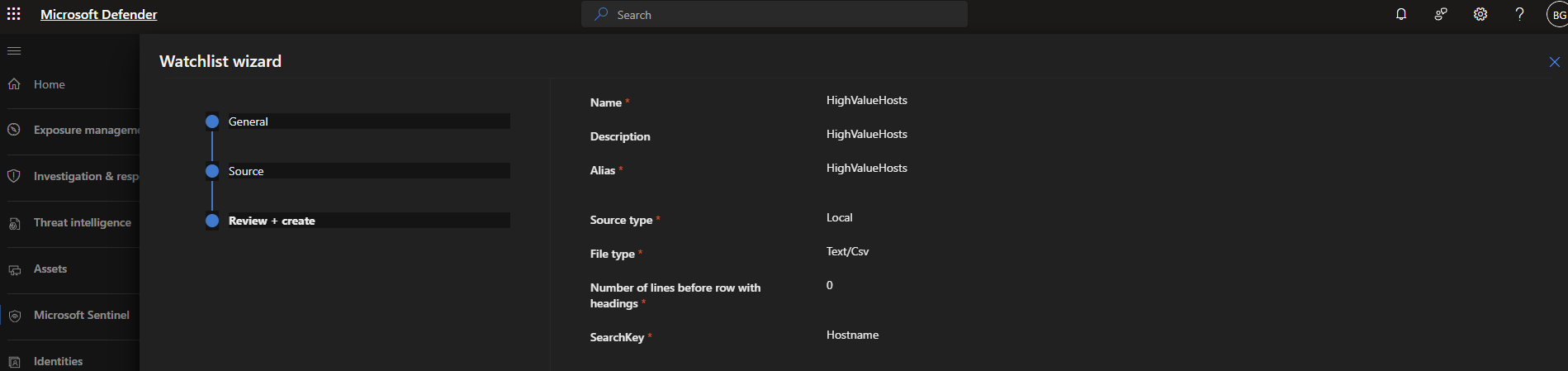
1.3 Watchlist Creation
Created a watchlist to support detection and enrichment of threat intelligence.
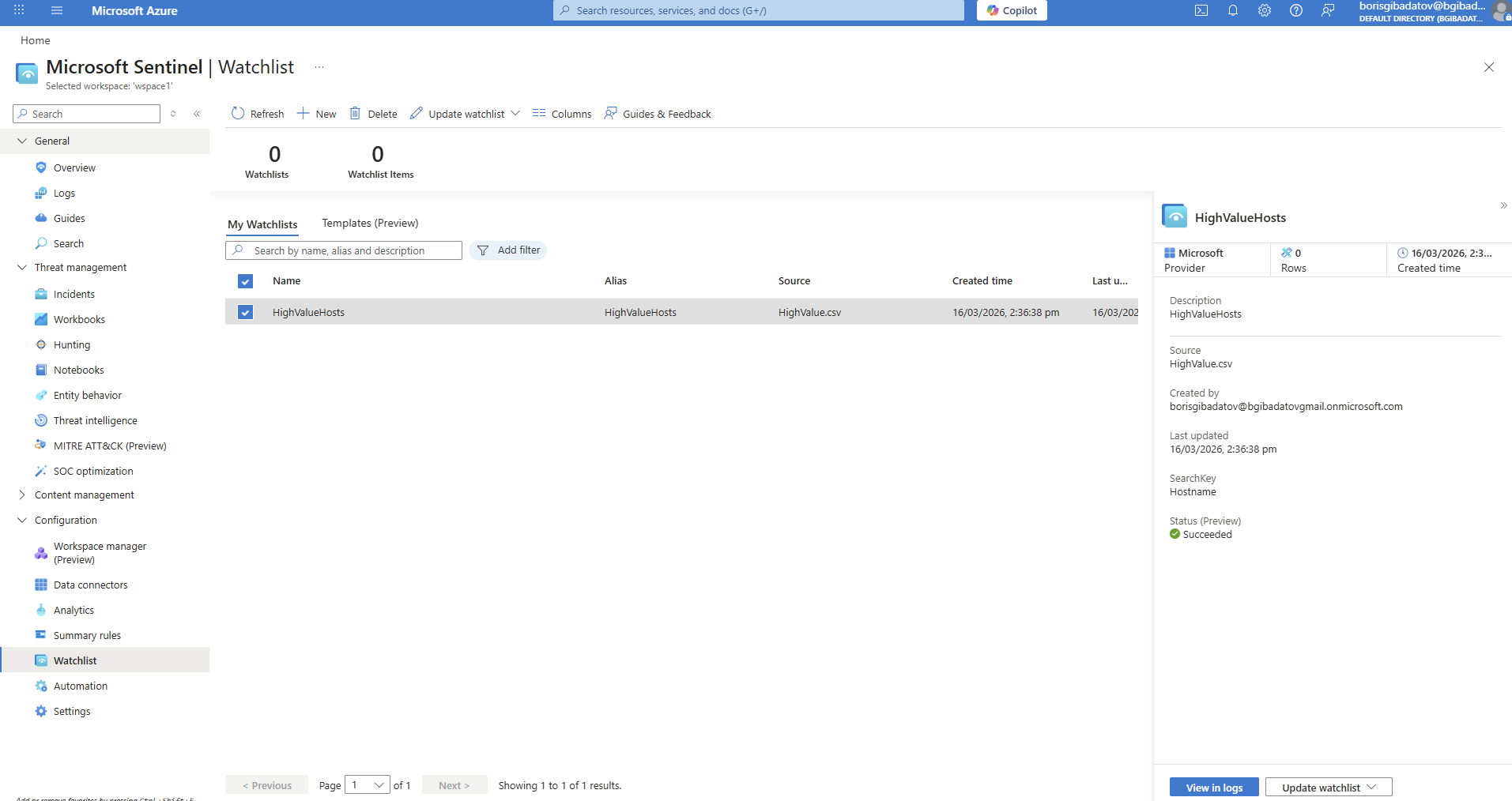
1.4 Watchlist Validation
Verified that the watchlist was successfully created and available for use.
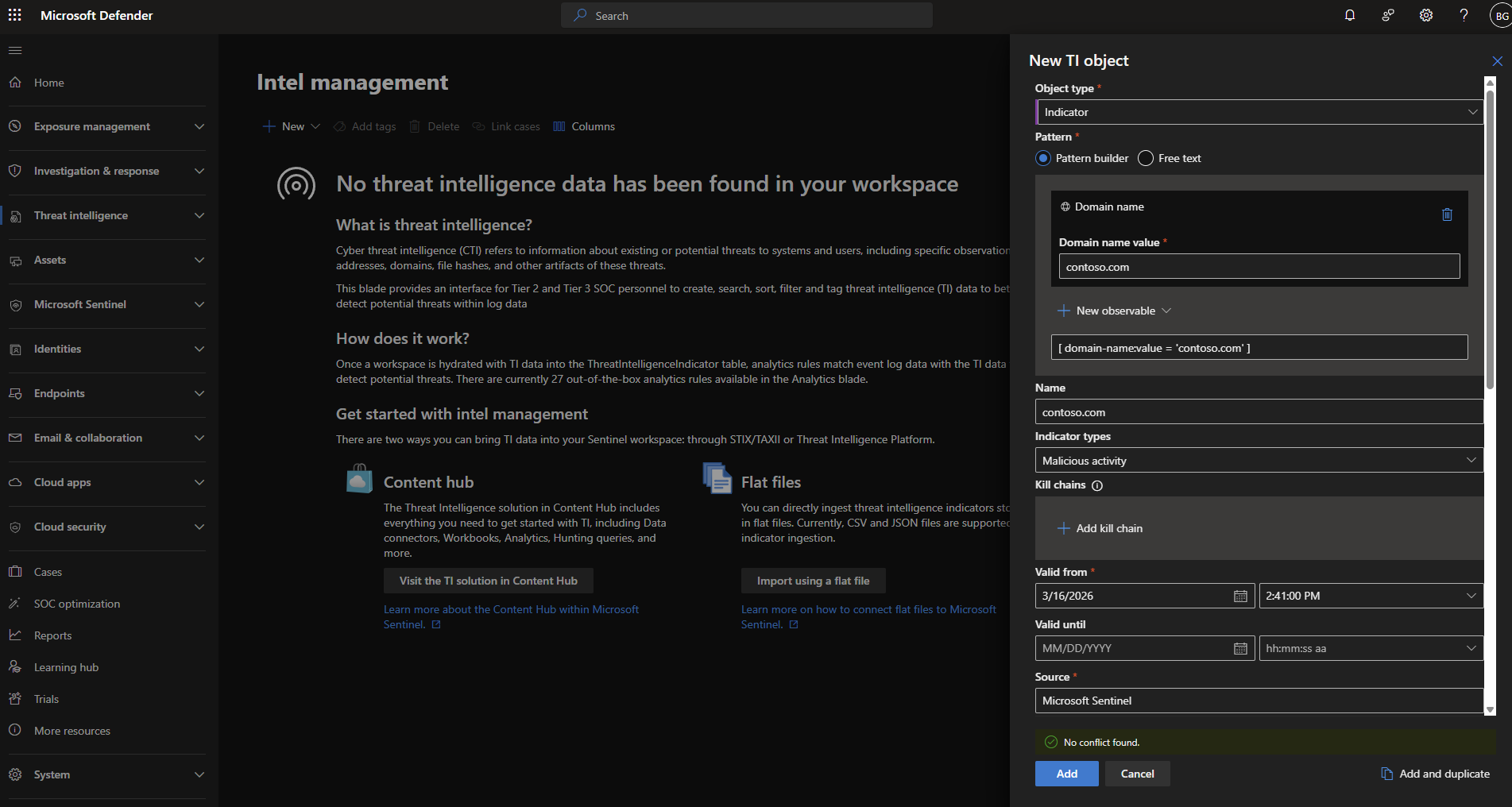
1.5 Threat Indicator Creation
Created a threat indicator in Microsoft Defender portal.
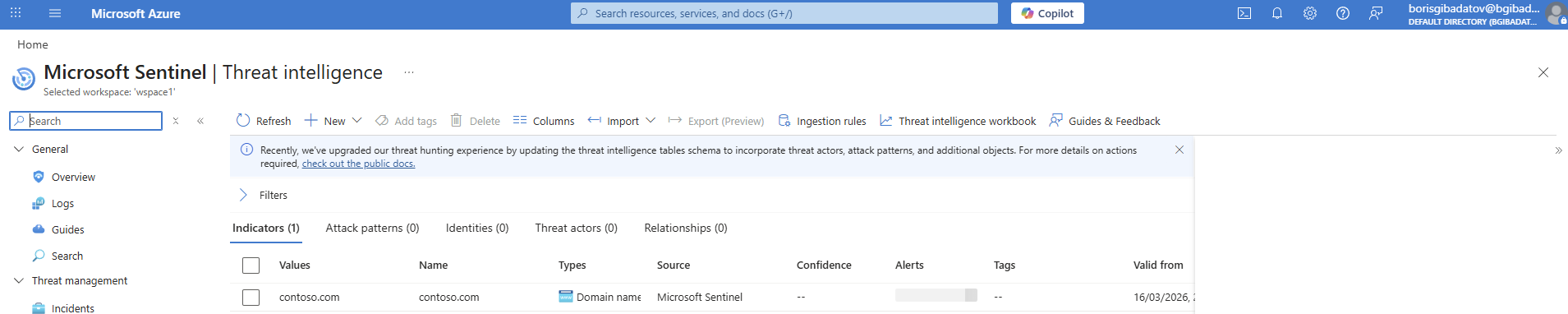
1.6 Indicator Visibility in Sentinel
Confirmed that the indicator is accessible within Sentinel.
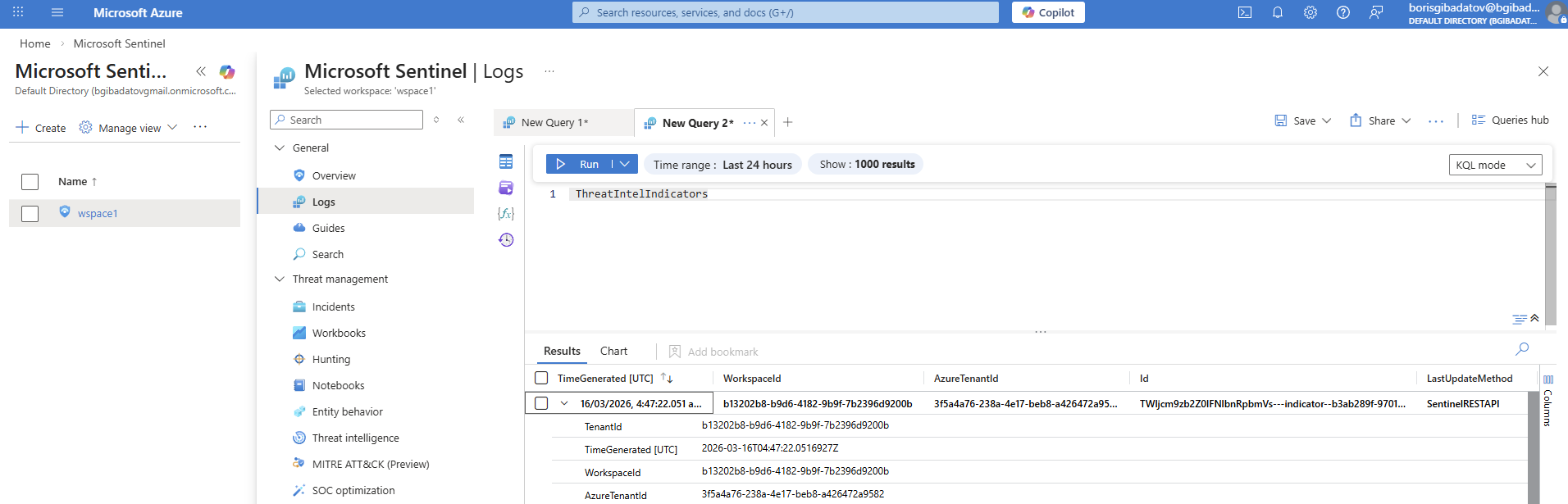
1.7 Log Search for Indicator
Performed log search to validate that the indicator is usable in detection scenarios.
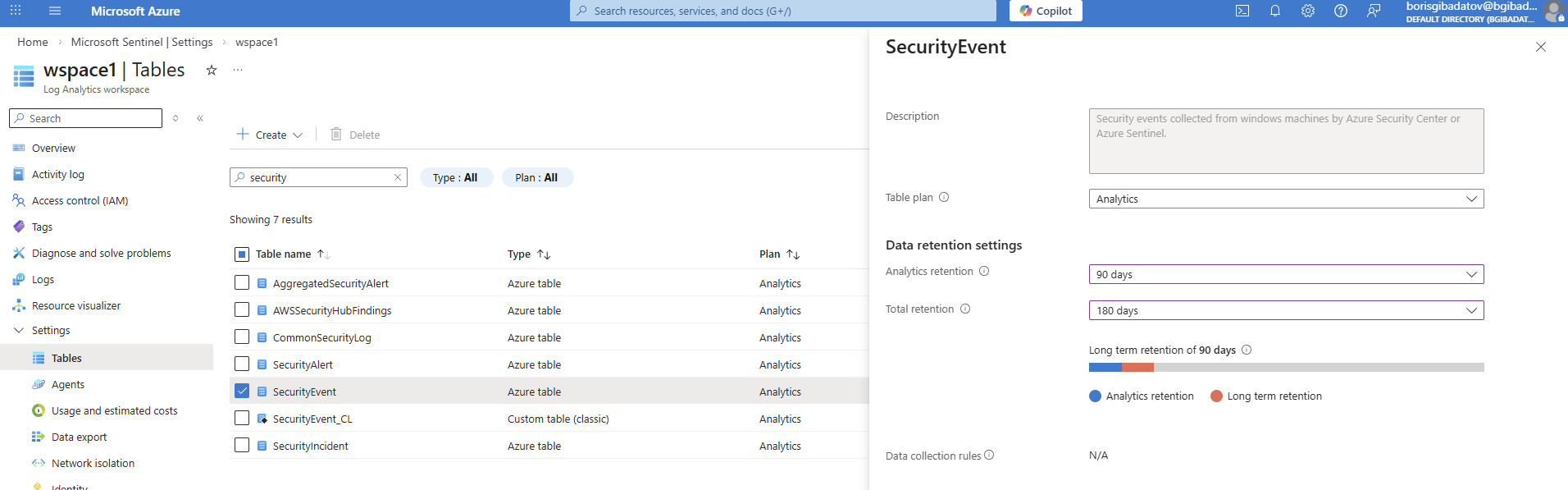
1.8 Security Event Retention
Configured retention for the Security Event table.
Part 2 — Connecting Azure Data Sources
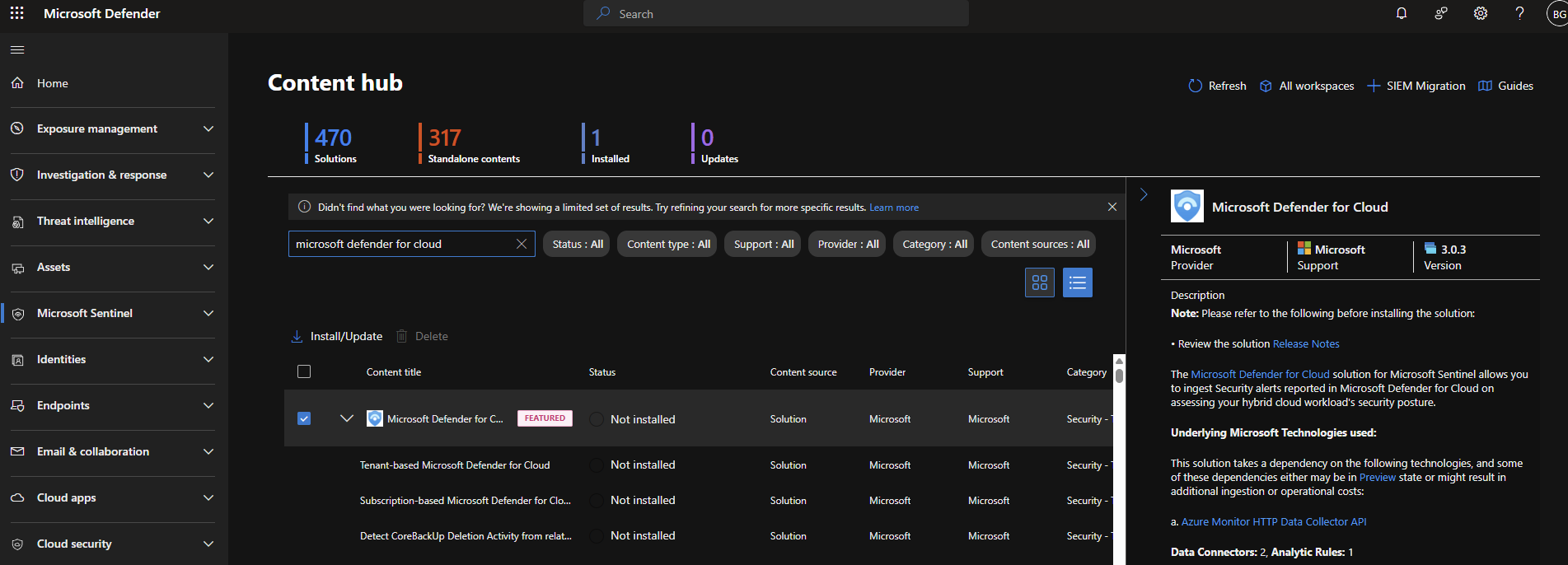
2.1 Defender for Cloud Solution Installation
Installed the Defender for Cloud solution from the Sentinel content hub.
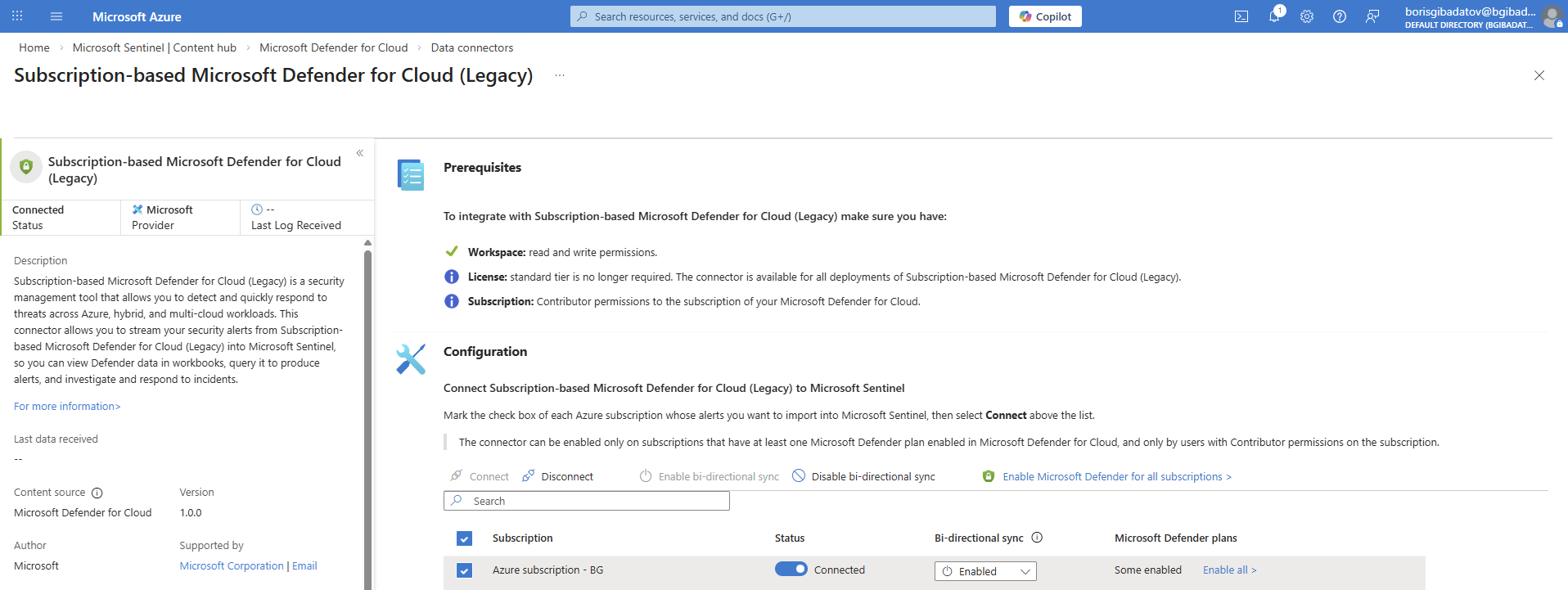
2.2 Data Connector Enablement
Enabled the Defender for Cloud connector.
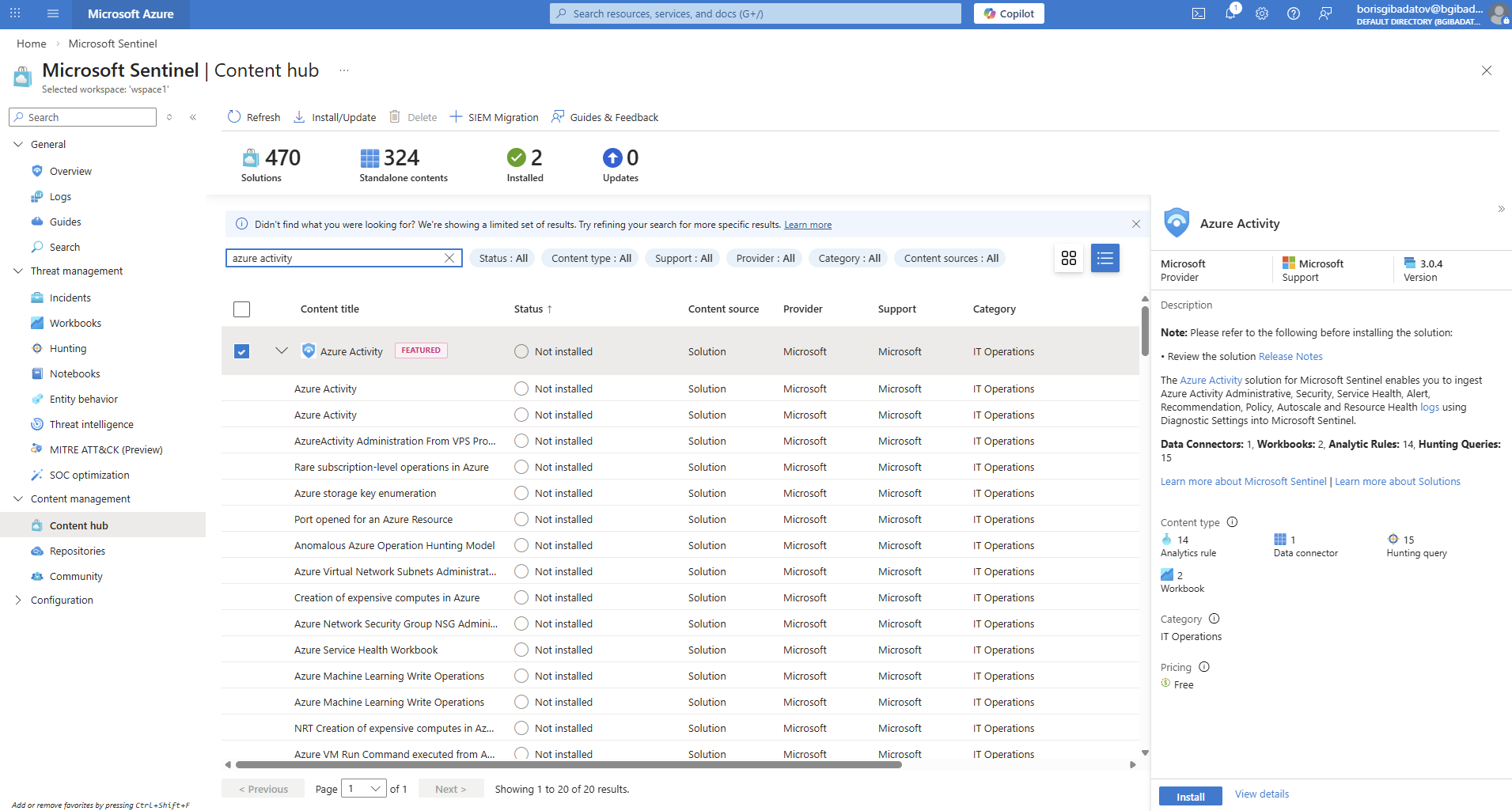
2.3 Azure Activity Connector Installation
Installed Azure Activity connector from Content Hub.
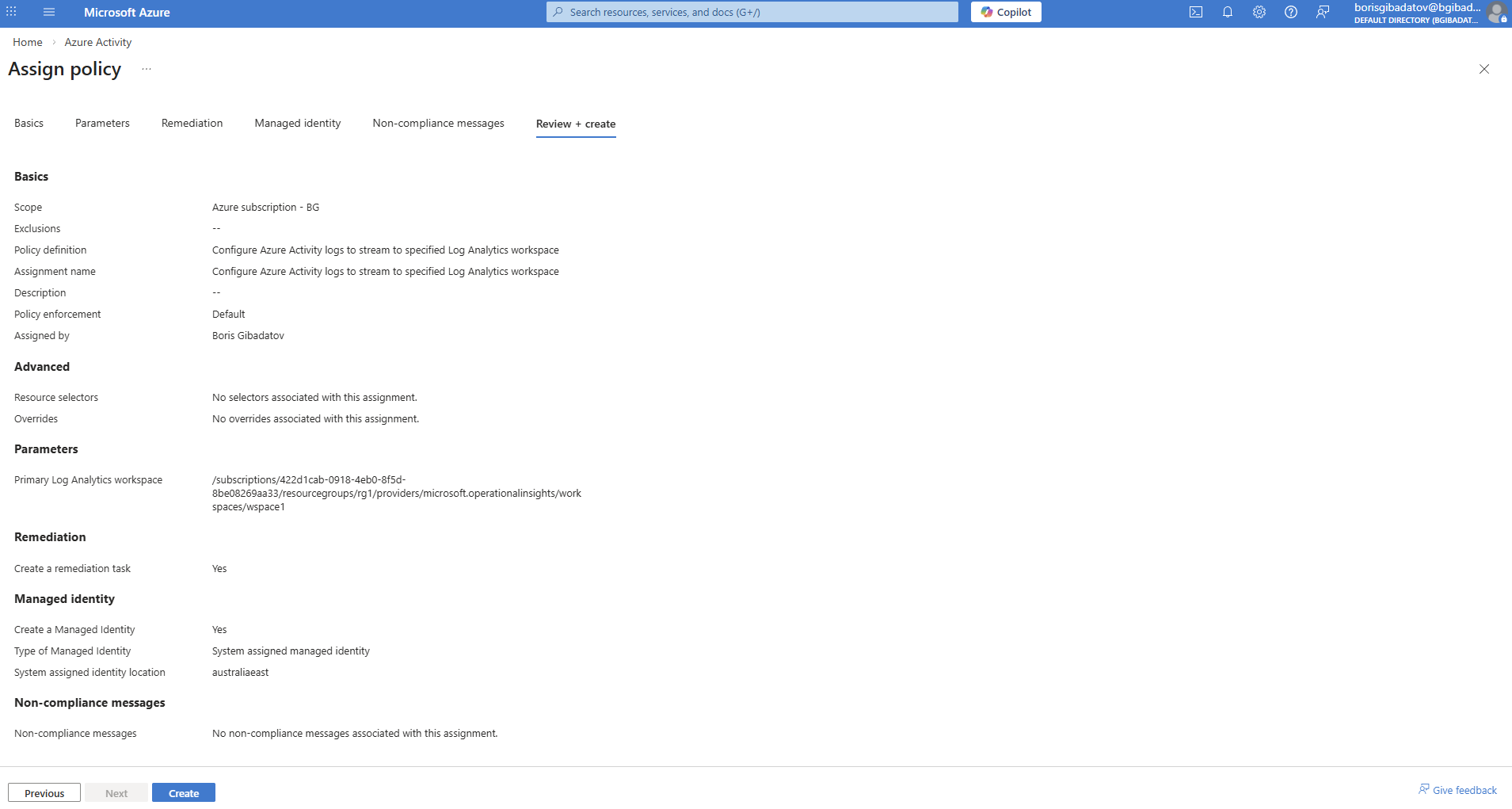
2.4 Connector Configuration
Configured Azure Activity data connector to ingest logs.
Part 3 — Connecting Windows Machine
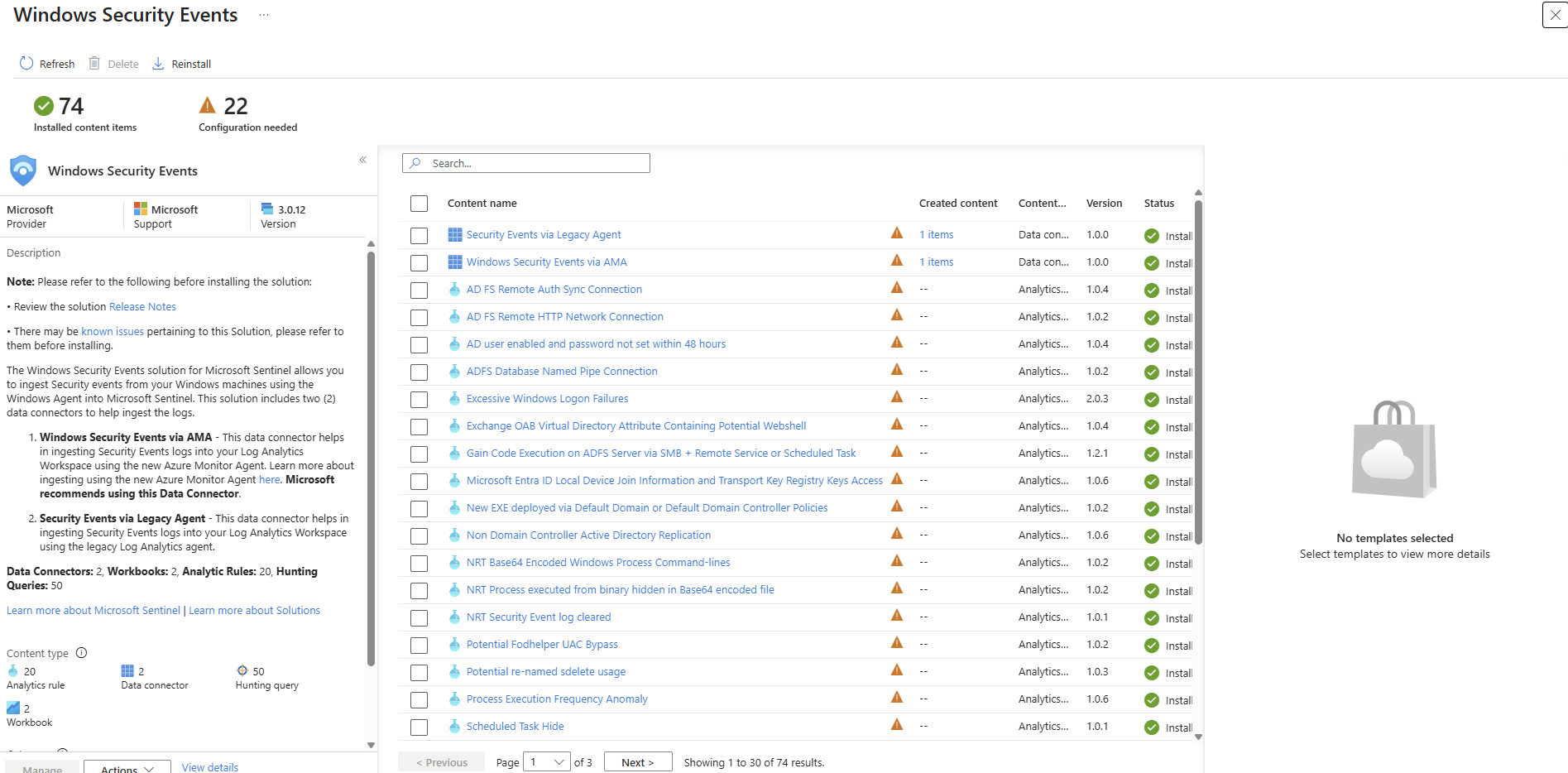
3.1 Windows Security Events Setup
Configured Windows Security Events data collection.
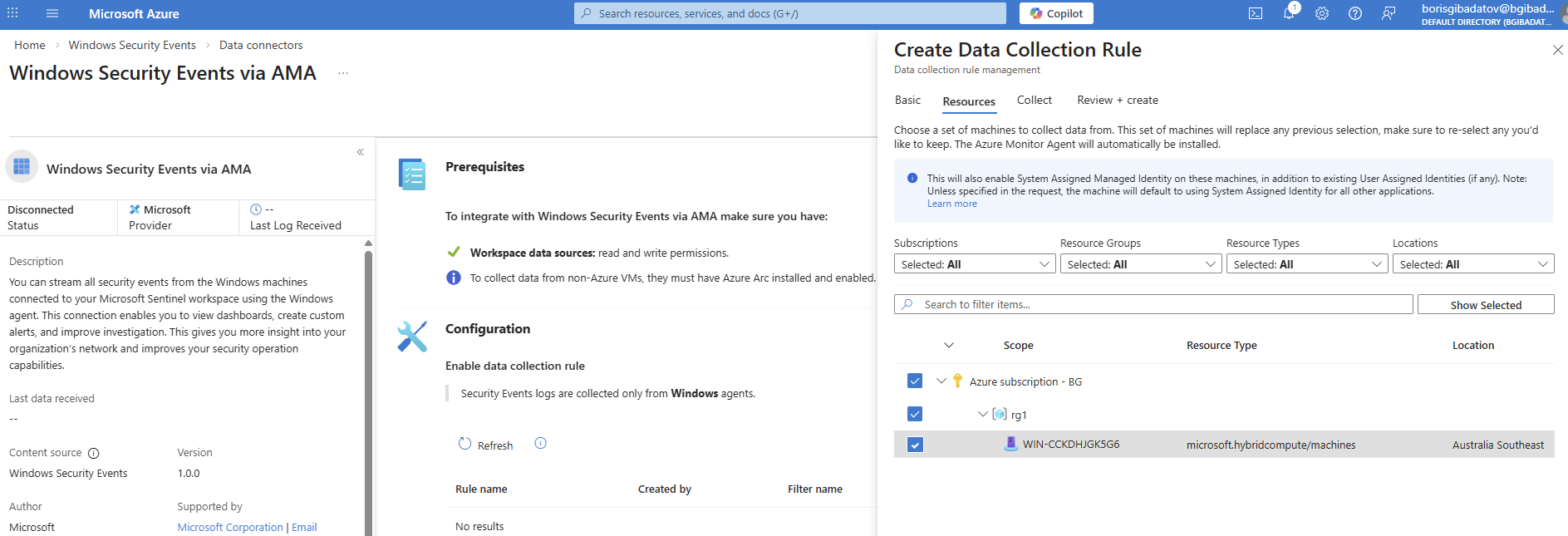
3.2 Data Collection Rule Creation
Created a Data Collection Rule (DCR) for Windows logs.
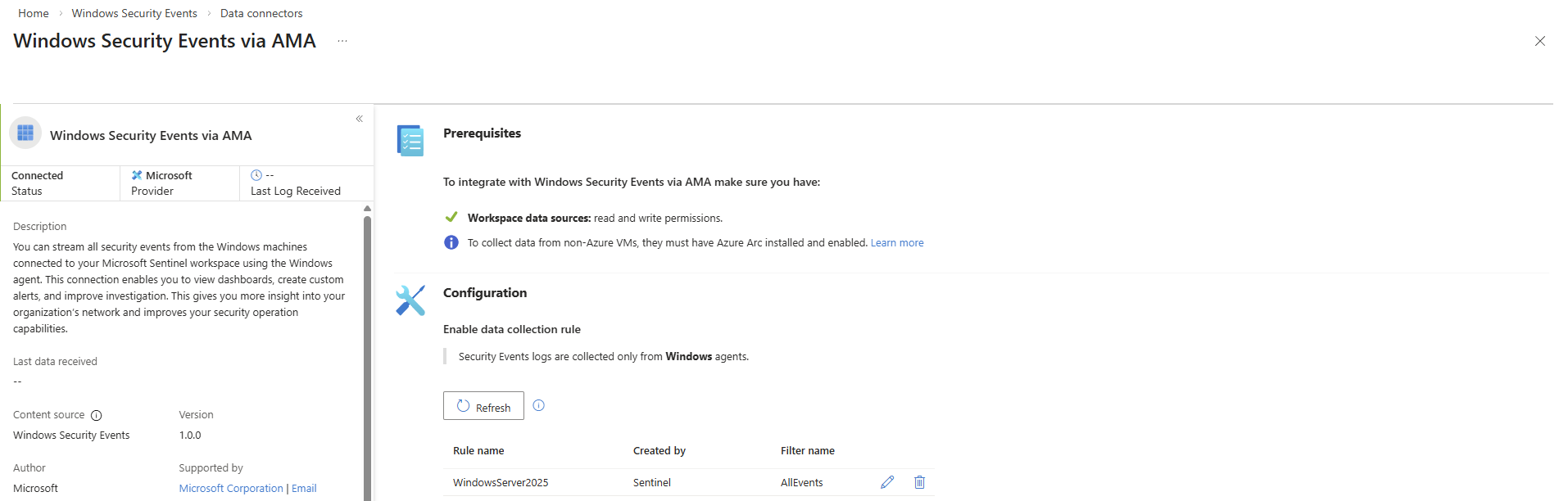
3.3 DCR Validation
Verified that logs are successfully collected.
Part 4 — Connecting Linux Host
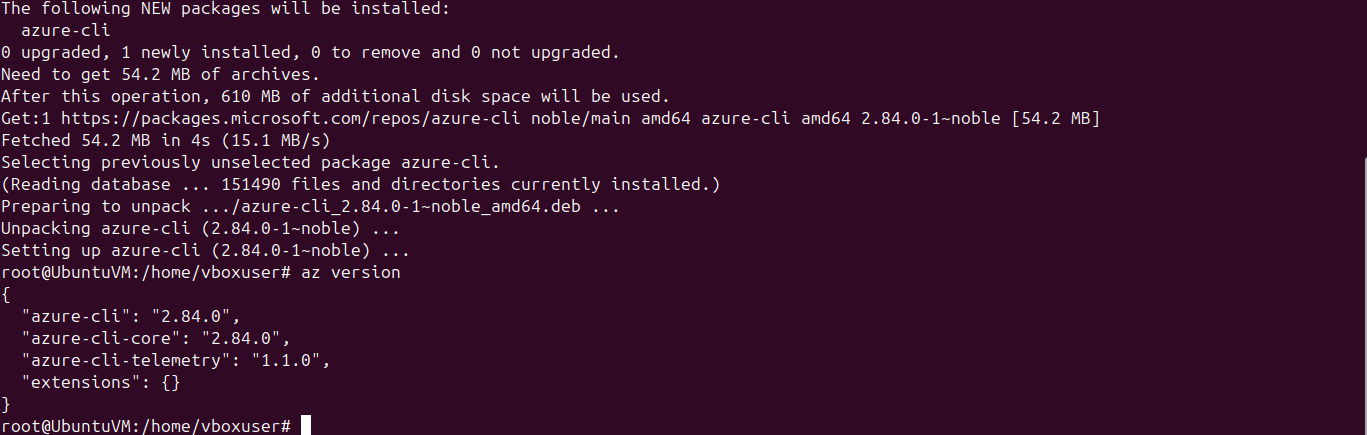
4.1 Azure CLI Installation
Installed Azure CLI on Ubuntu VM.
4.2 Azure Arc Agent Deployment
Installed Azure Arc agent on Linux machine.

4.3 Host Connection
Connected Linux machine to Azure.

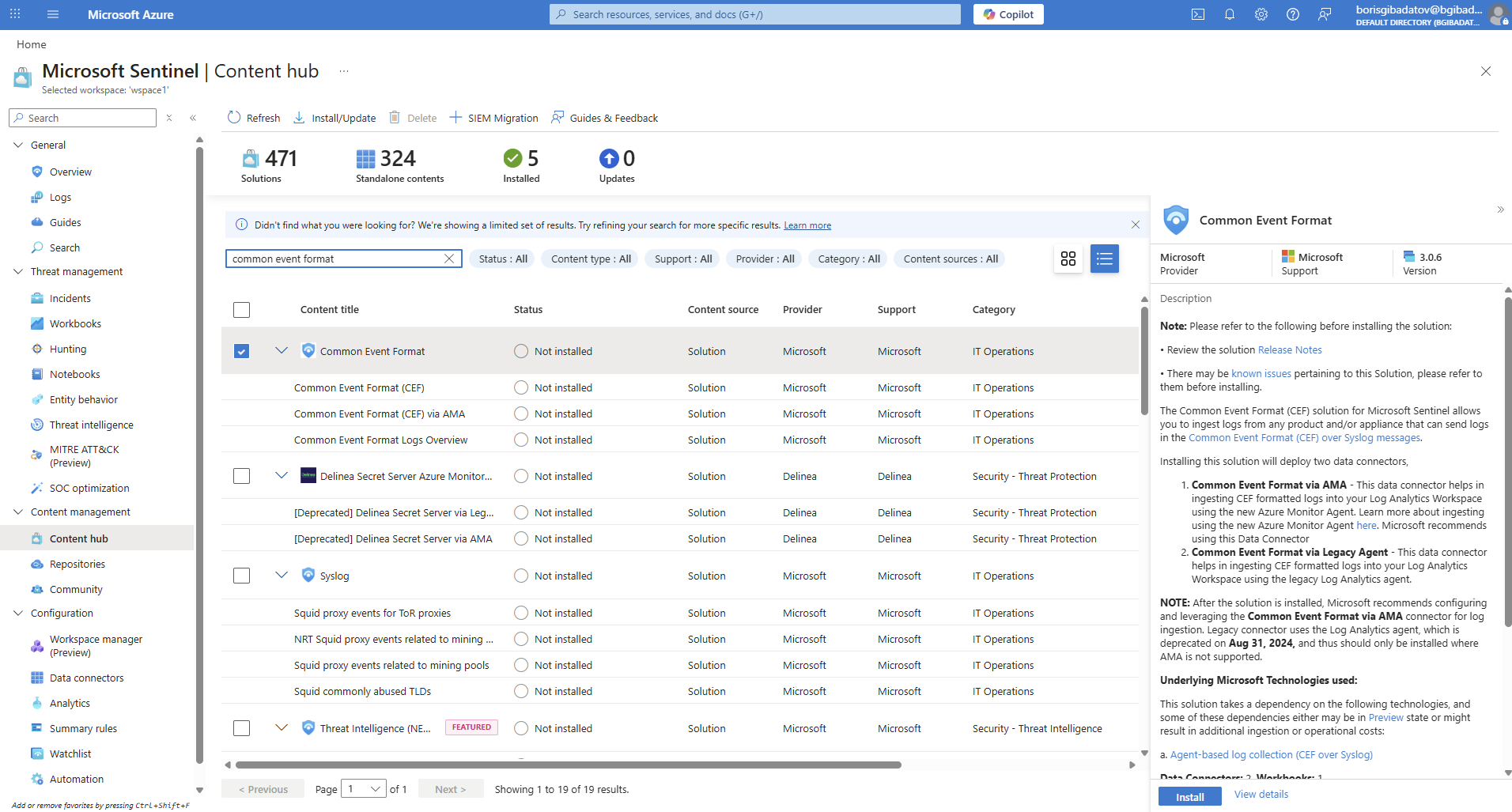
4.4 CEF Solution Installation
Installed Common Event Format (CEF) solution.
4.5 CEF Data Collection Rule
Created DCR for CEF logs.
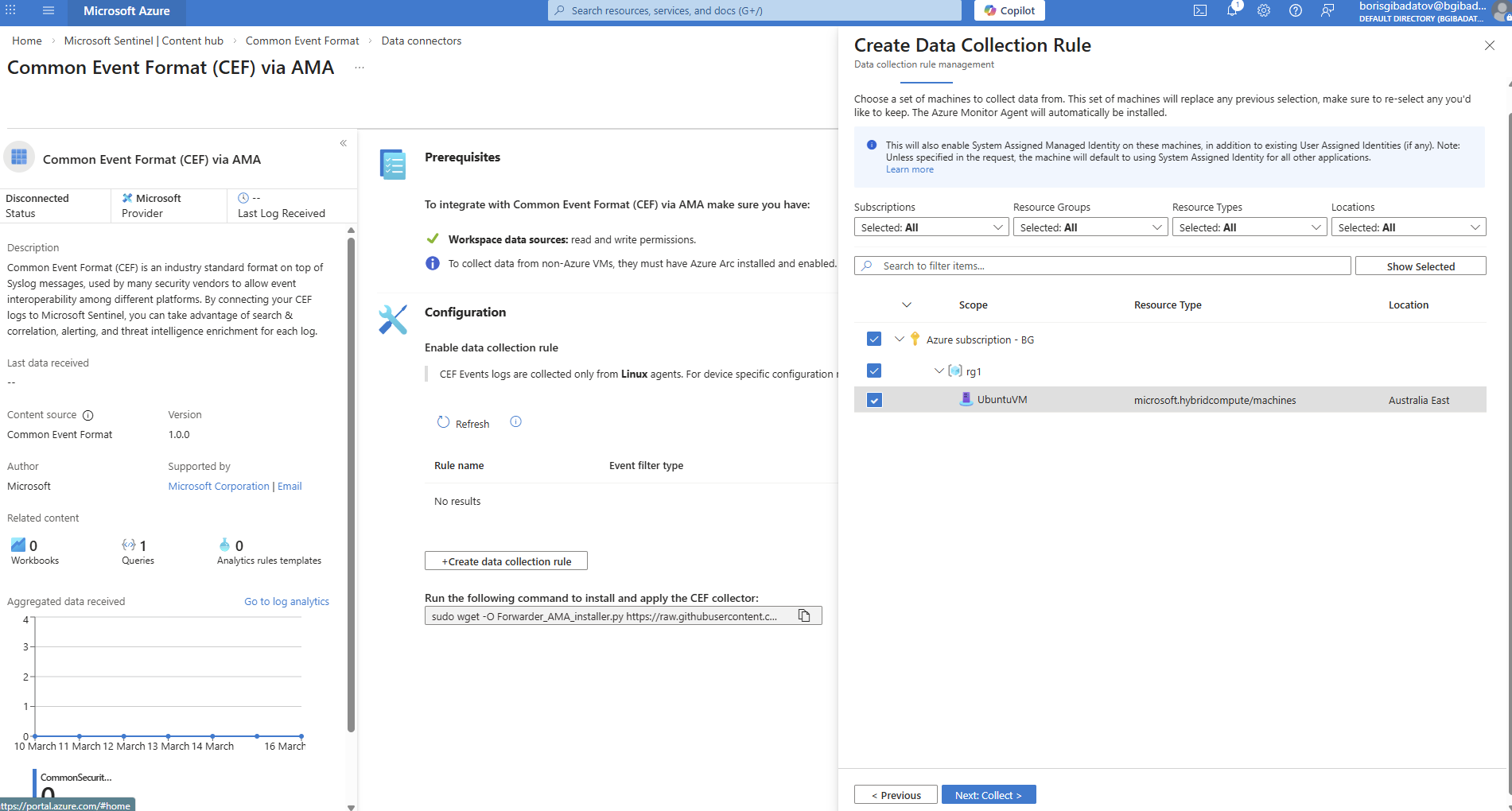
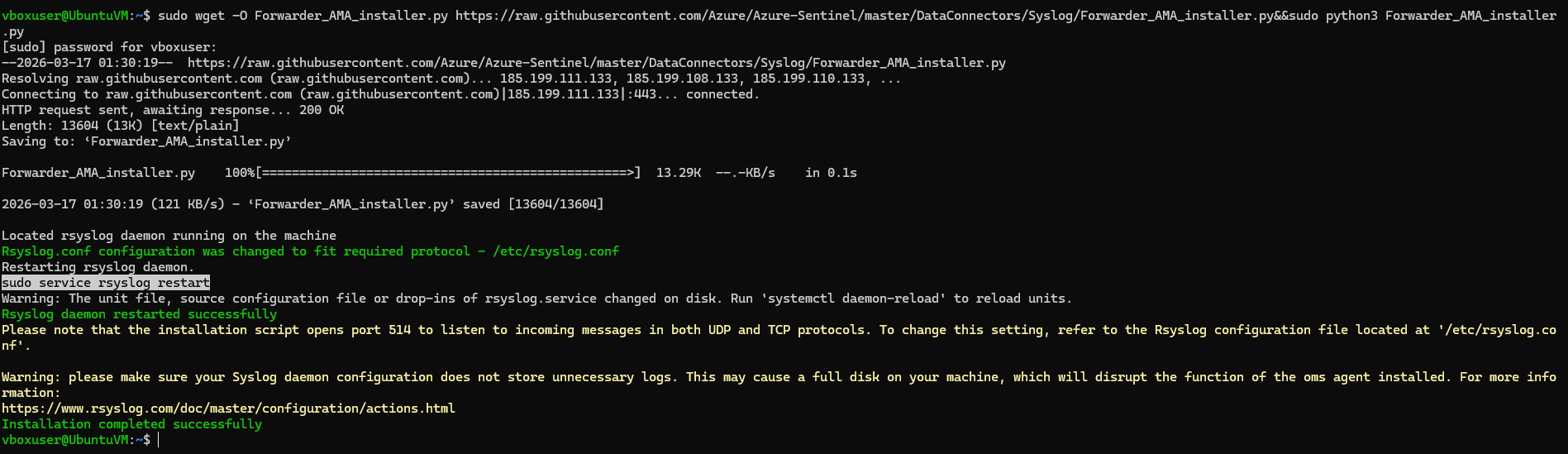
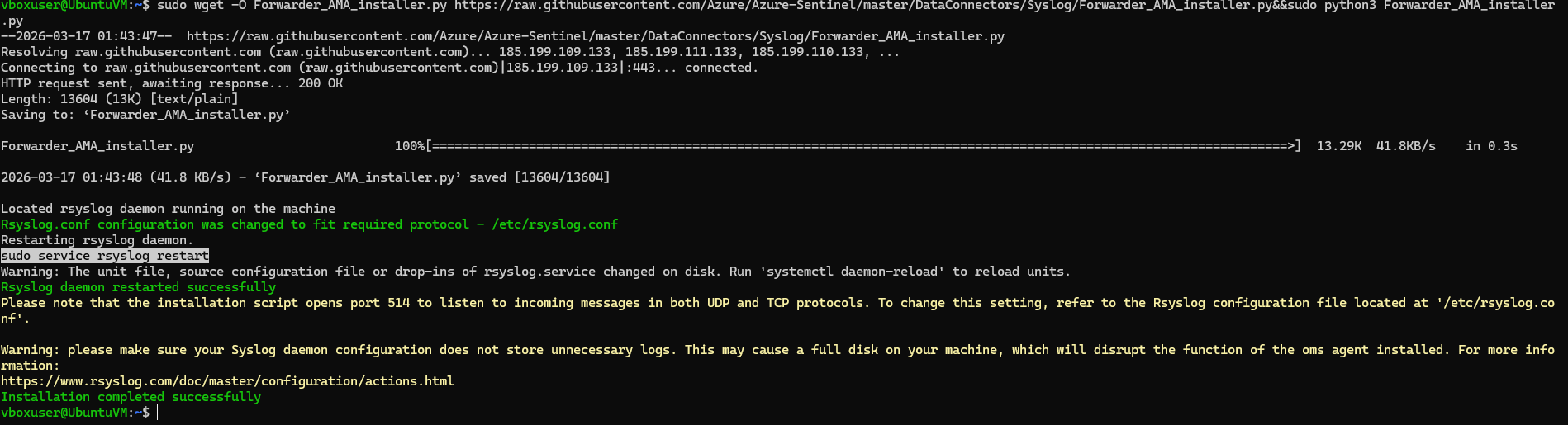
4.6 Forwarder Installation (CEF)
Configured log forwarder on Linux host.
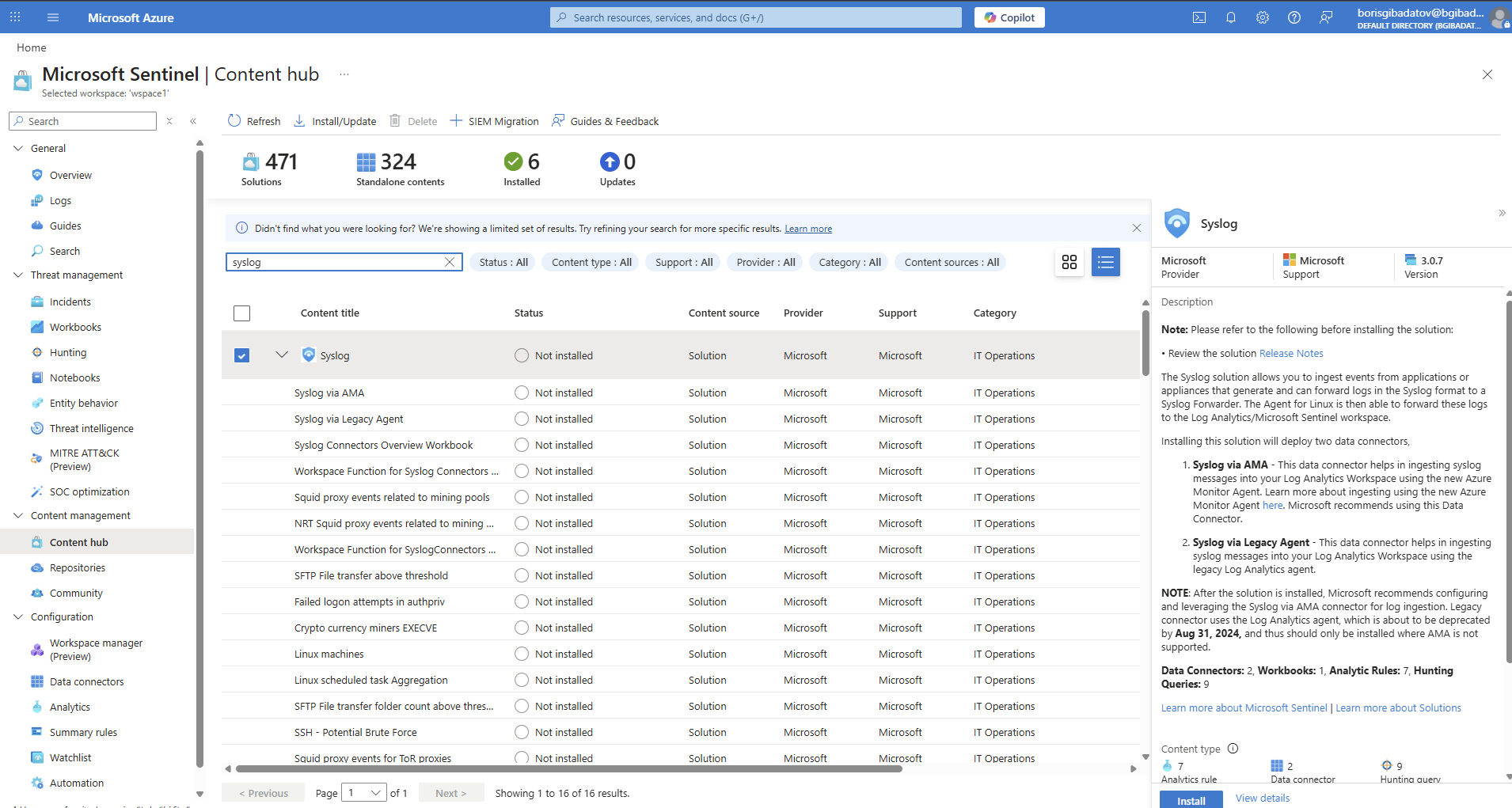
4.7 Syslog Solution Installation
Installed Syslog connector.
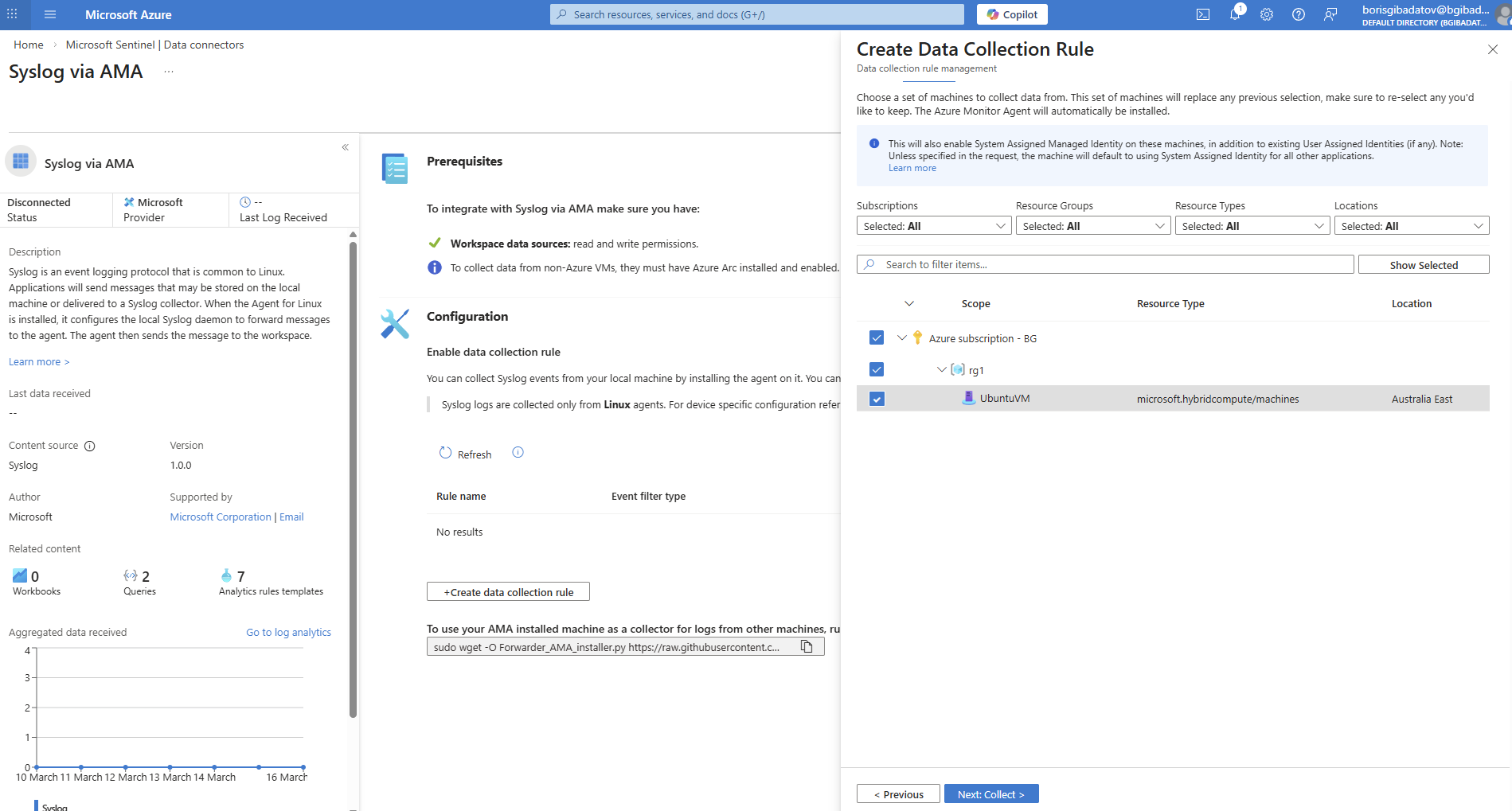
4.8 Syslog Data Collection Rule
Configured DCR for Syslog ingestion.
4.9 Forwarder Validation
Verified successful log forwarding.
Part 5 — Connecting Defender XDR
5.1 Defender Solution Installation
Installed Microsoft Defender solution via Sentinel.
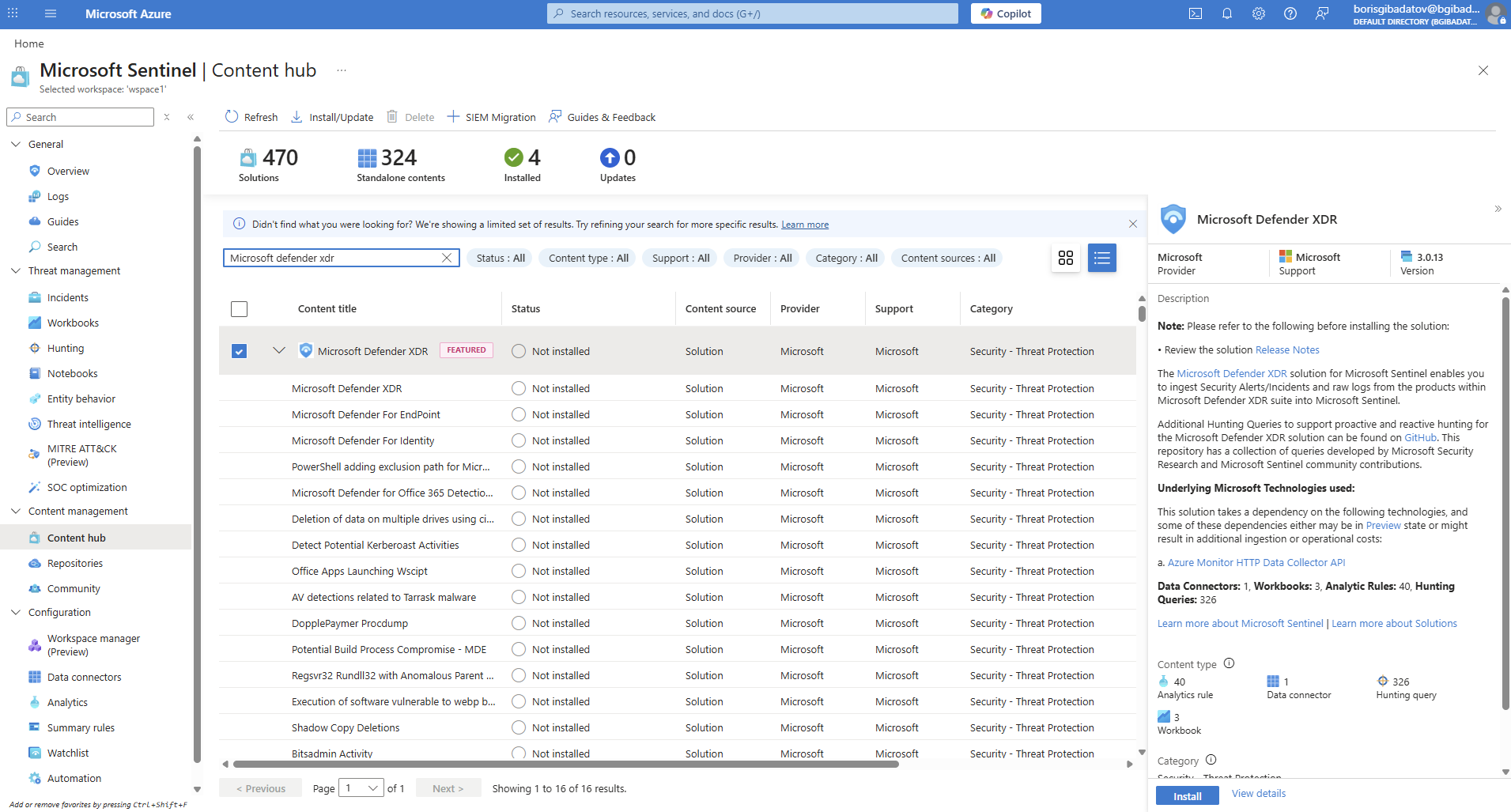
5.2 Connector Status Validation
Verified connector status is “Connected”.

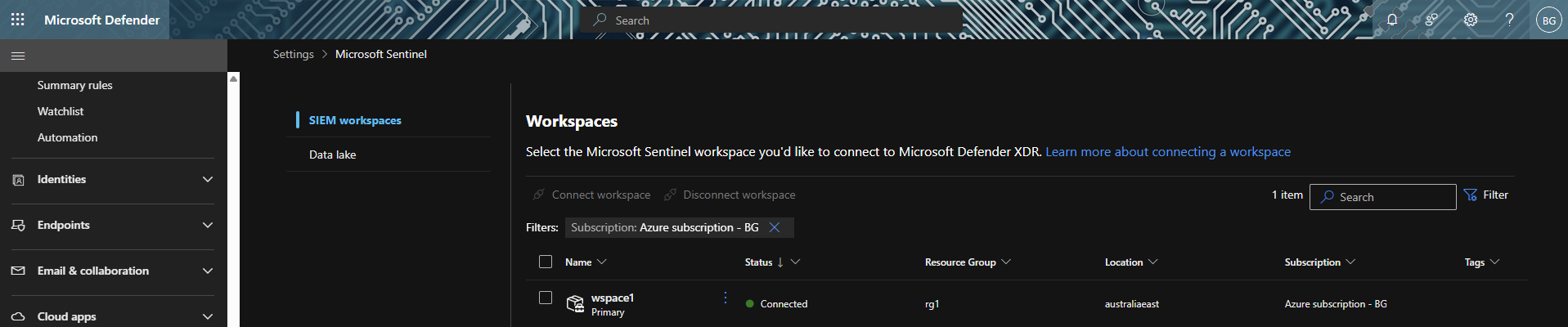
5.3 Workspace Integration
Confirmed workspace visibility in Defender portal.
Investigation Value
This configuration enables:
- Centralised log collection from cloud and endpoints
- Correlation of events across multiple data sources
- Threat intelligence enrichment using watchlists
- Foundation for detection rules and threat hunting
Skills Demonstrated
- Microsoft Sentinel deployment and configuration
- Data connector management (Azure, Windows, Linux, Defender)
- Data Collection Rules (DCR) implementation
- Threat intelligence integration (watchlists, indicators)
- Multi-source log ingestion and normalisation
Disclaimer
All activities were performed in a controlled lab environment using simulated data.